Traceability Panel (History and Navigation)
CORA maintains traceability as you explore: opening citations, jumping into sub-tabs, and narrowing scope. The Traceability panel is your navigation history. It records what you opened and helps you return to it instantly.
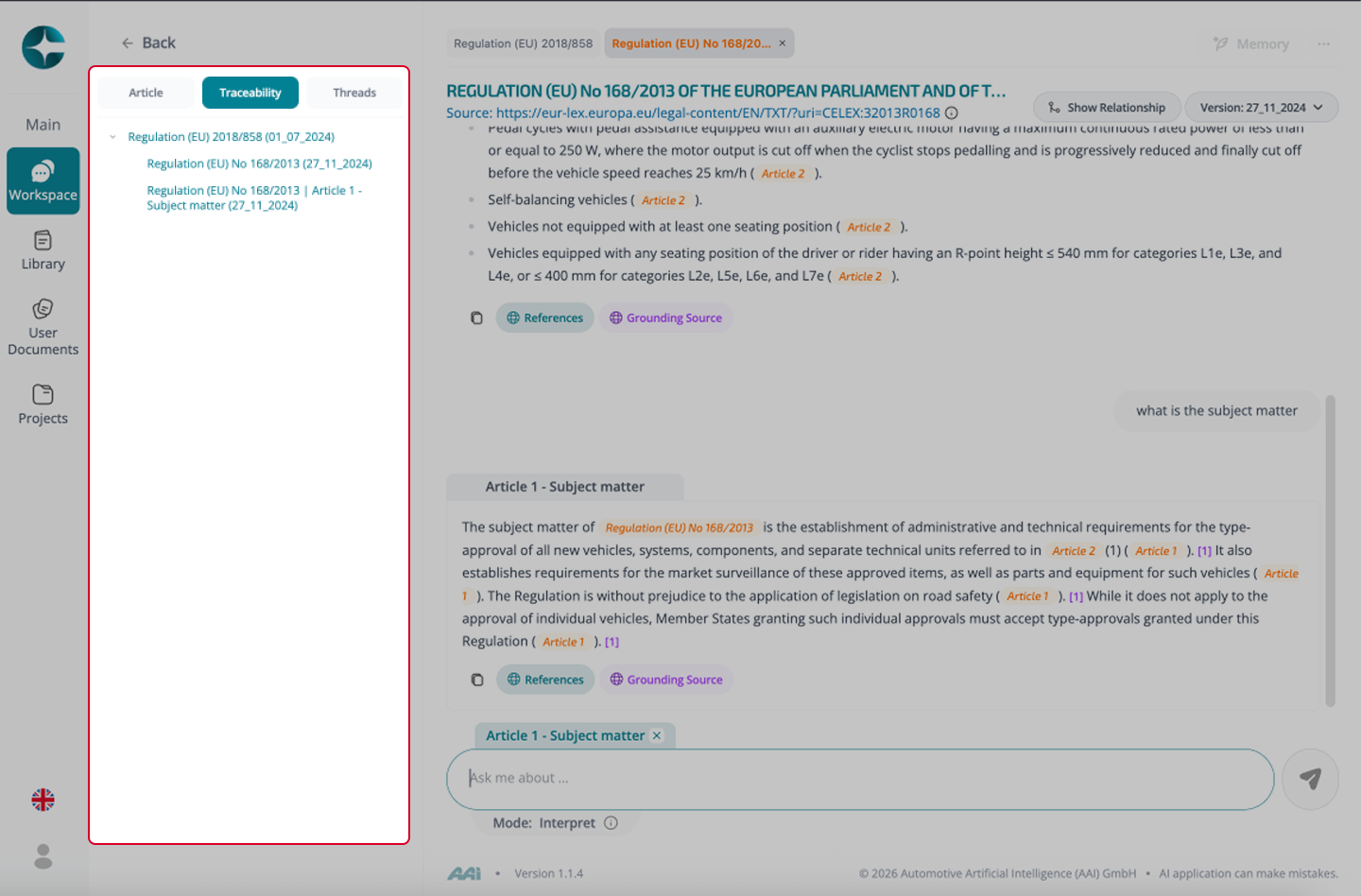
What the Traceability panel tracks
Depending on your environment, the panel can include:
- Documents opened from external citations (sub-tabs)
- Internal jumps within a document (articles/annexes opened)
- Article Focus activation/clearing
- Navigation path (where you came from → where you went)
How to use it
Use the Traceability panel to:
- Jump back to previously opened documents/sections
- Switch between sub-tabs without losing your original context
- Re-open the exact source context used earlier
- Maintain a clean, auditable exploration path
Best practice
Use the Traceability panel actively when:
- You are validating complex answers across multiple sources
- You need to justify how you reached a conclusion
- You want to revisit earlier evidence without re-searching
For long-running, multi-document work that must persist, use a Compliance Project.