Access & Login
This page explains how to access CORA and sign in.
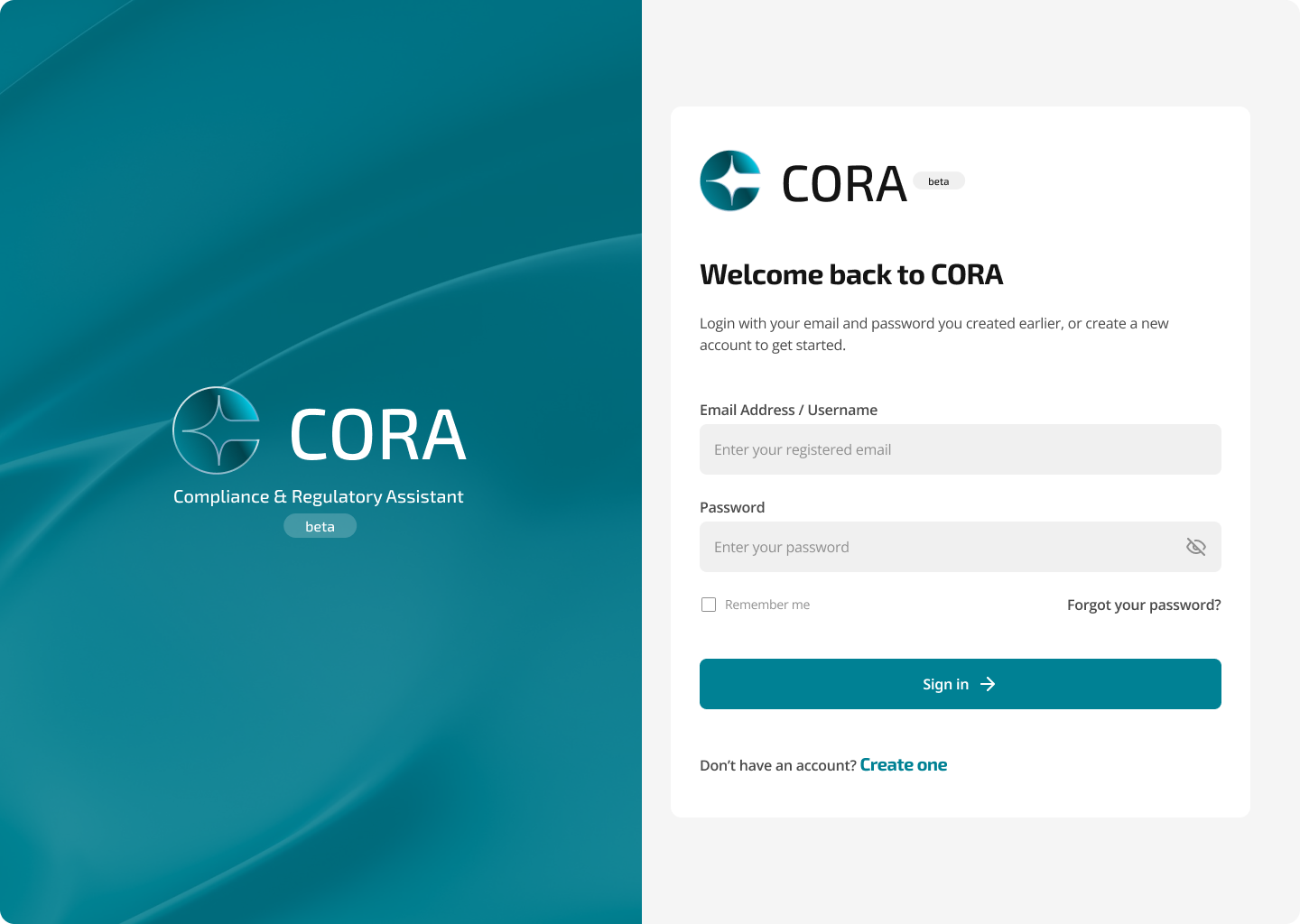
Sign in
- Open your CORA URL provided by your organization.
- Enter your credentials.
- Select Sign in.
After login: where you land
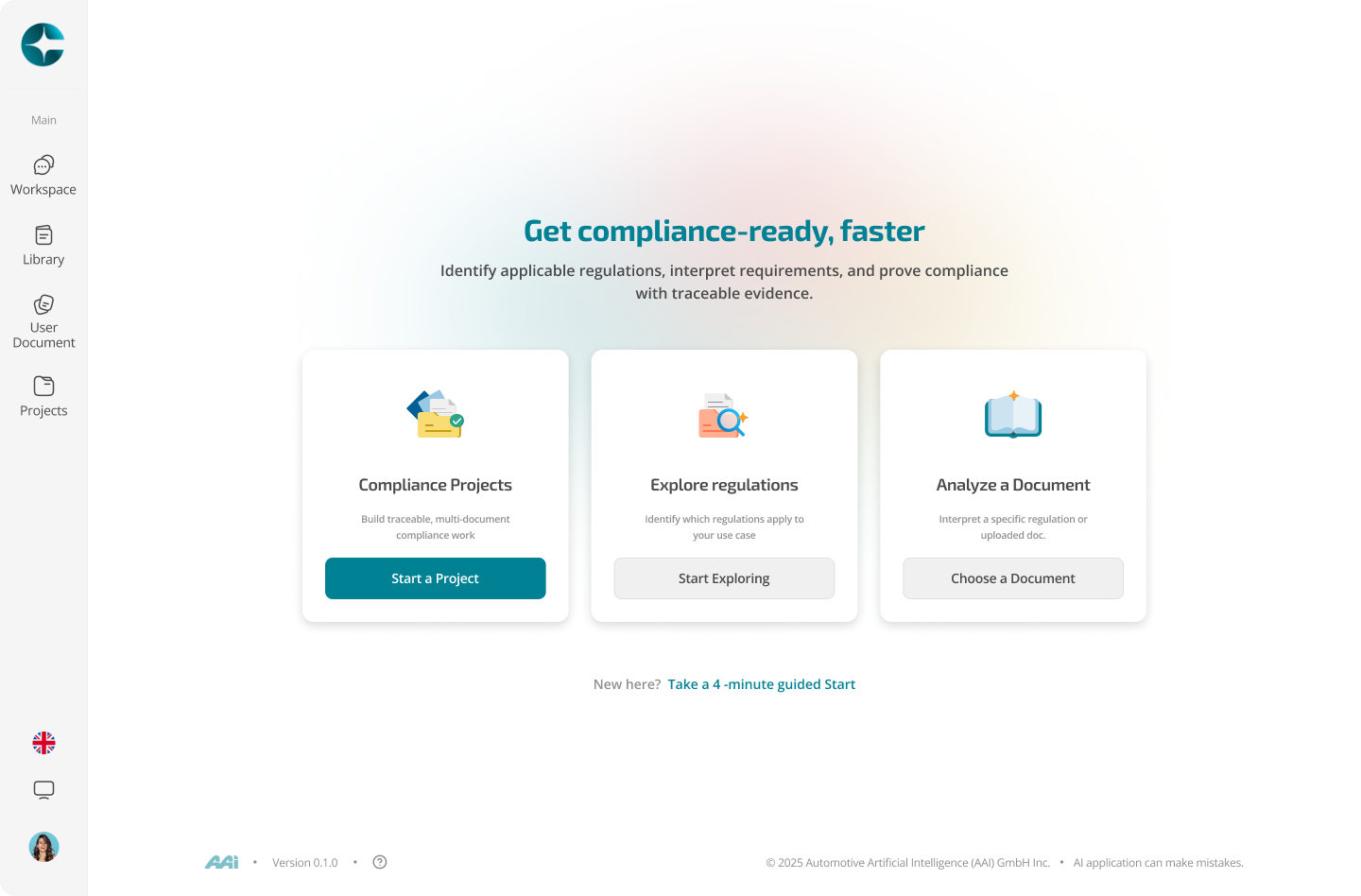
After signing in, CORA opens your workspace. You will see: - A left navigation panel (Chats, Library, User Documents, Projects) - A main area to start a new chat or resume recent work
Tip
If your session expires, CORA will ask you to sign in again and will return you to your workspace afterward.