Project Context Mode
Project Context mode is used when you need to work across multiple documents within a defined scope inside a Project. All answers are generated using the documents linked to the project.
Why projects exist
Projects provide a structured workspace for real compliance work.
They allow teams to:
- Define a clear scope using linked regulations, standards, and user documents
- Apply shared instructions (goals, assumptions, definitions)
- Ask questions that span multiple documents
- Create notes and requirements with traceable evidence
Projects are where outputs are meant to persist and survive review or audit.
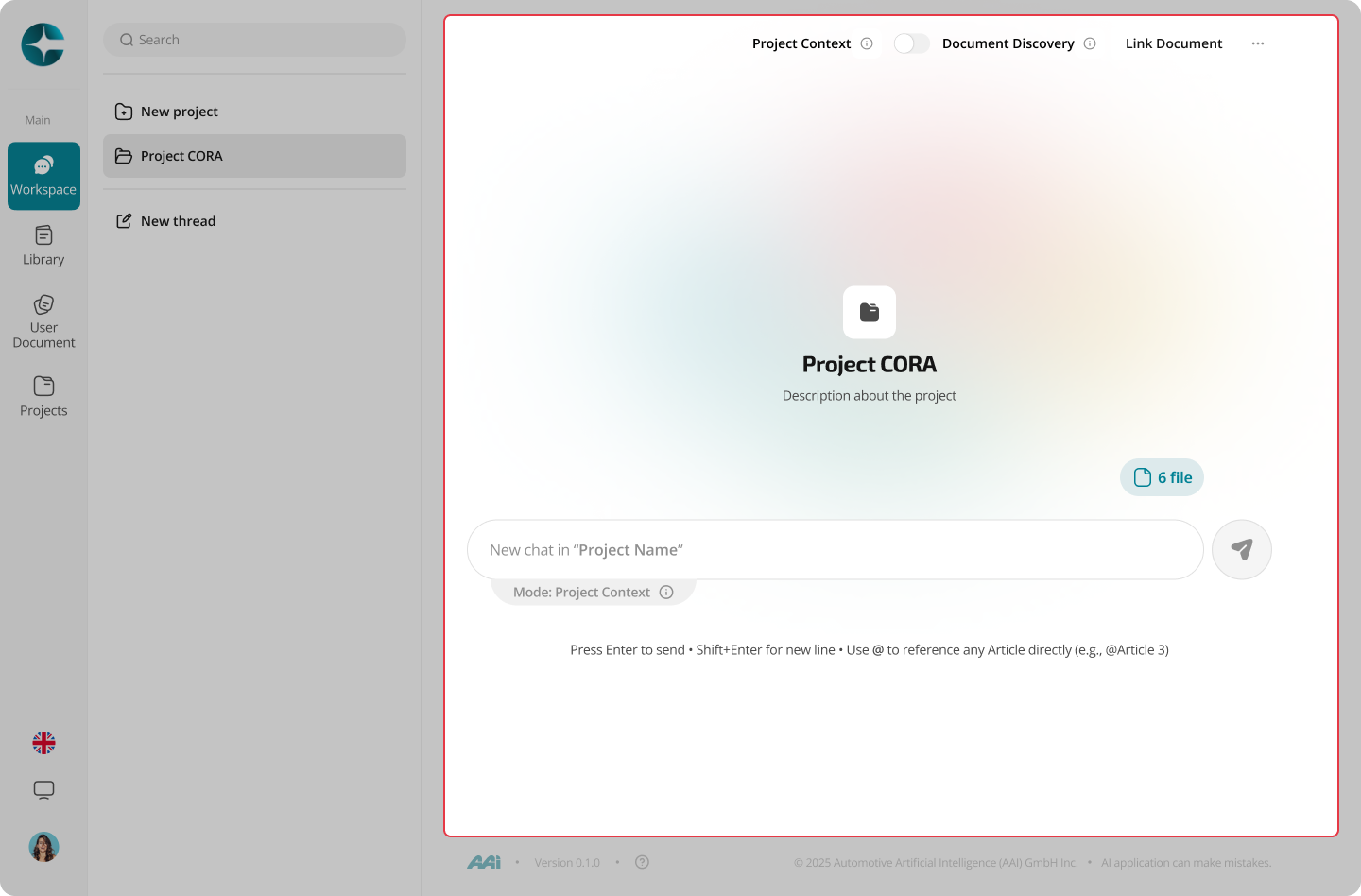
Default behavior inside a project
When you start a chat inside a project:
- Project Context mode is used by default
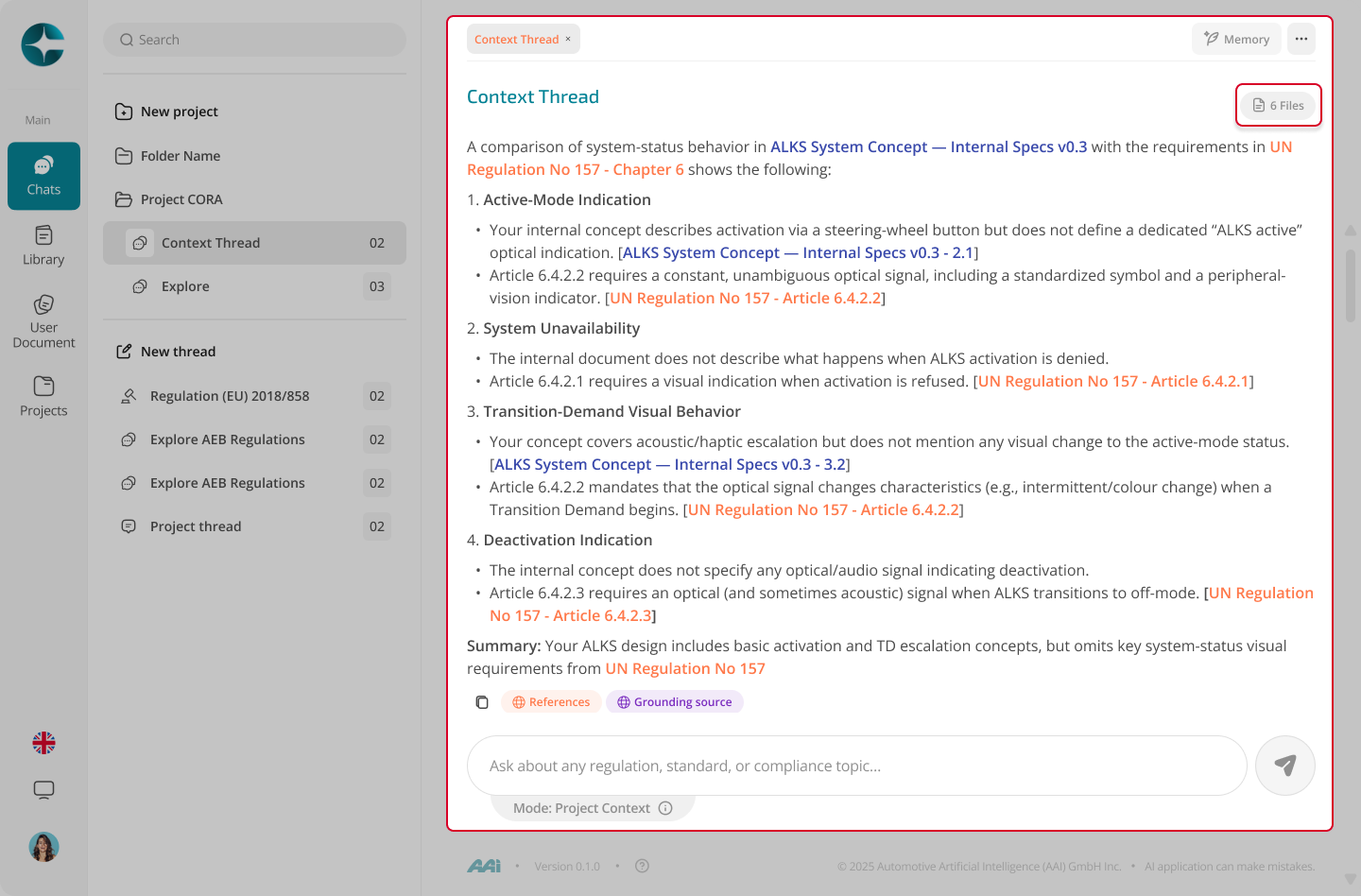
- Answers can reference all documents linked to the project
- Citations clearly show which document and section each statement comes from
Depending on your UI configuration, you may also:
- Limit context to a subset of linked documents for focused questions
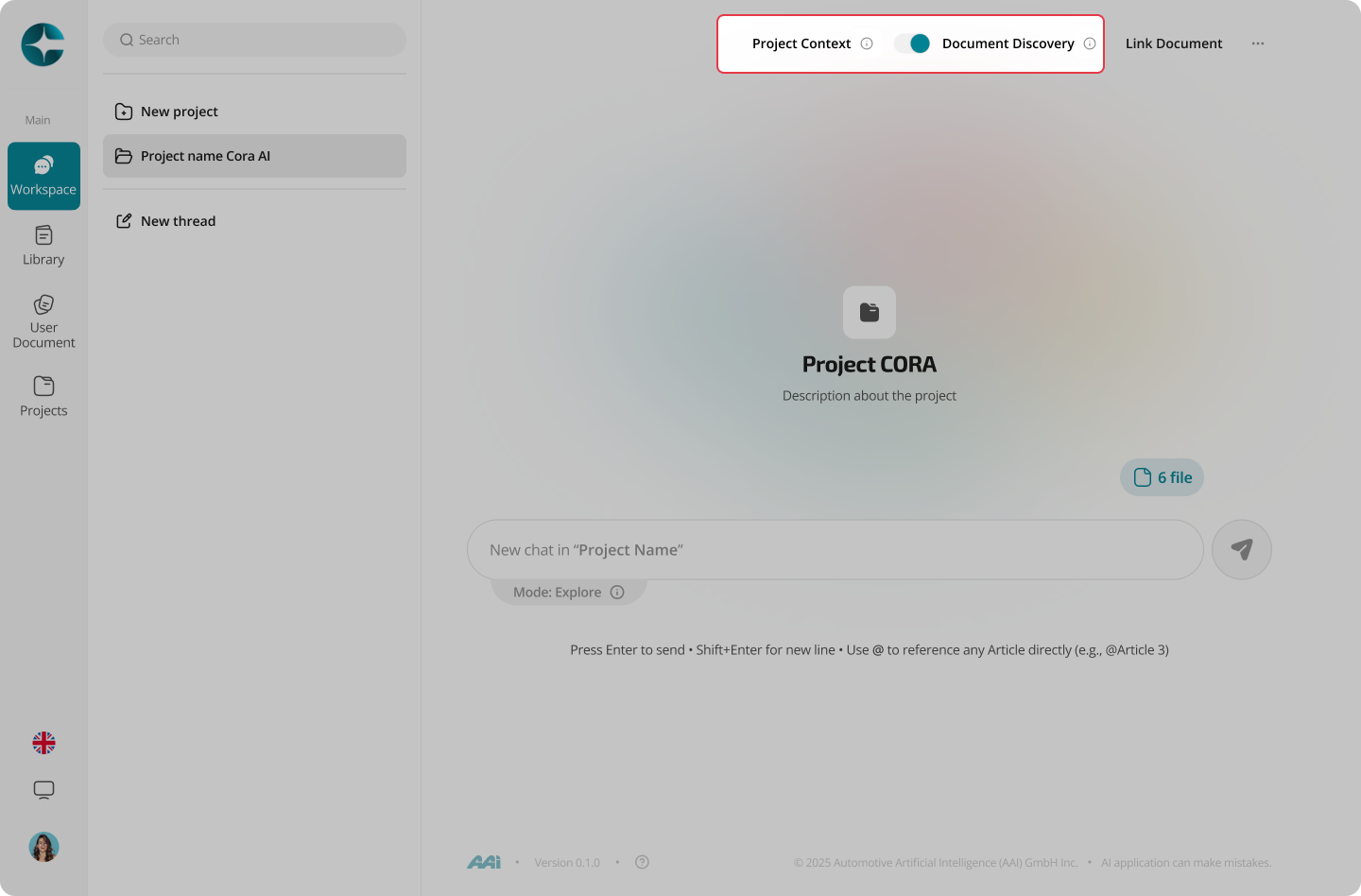
Using Explore inside a project
Projects can also use Explore mode for discovery.
This allows you to:
- Explore beyond the current project scope
- Discover additional relevant regulations or standards
- Attach newly discovered documents back to the project
When to use Project Context
Use Project Context when:
- The scope is known and spans multiple documents
- You need consistent answers across a defined corpus
- Outputs (notes, requirements) must be retained and traceable
For document-specific interpretation, use Interpret mode.
For early discovery, use Explore mode.