Find Documents
The Library contains canonical regulatory and standards documents available in CORA.
Documents may include multiple versions and supported languages, depending on availability.
Open the Library
- In the left navigation, select Library
- Use search or filters to locate the document you need
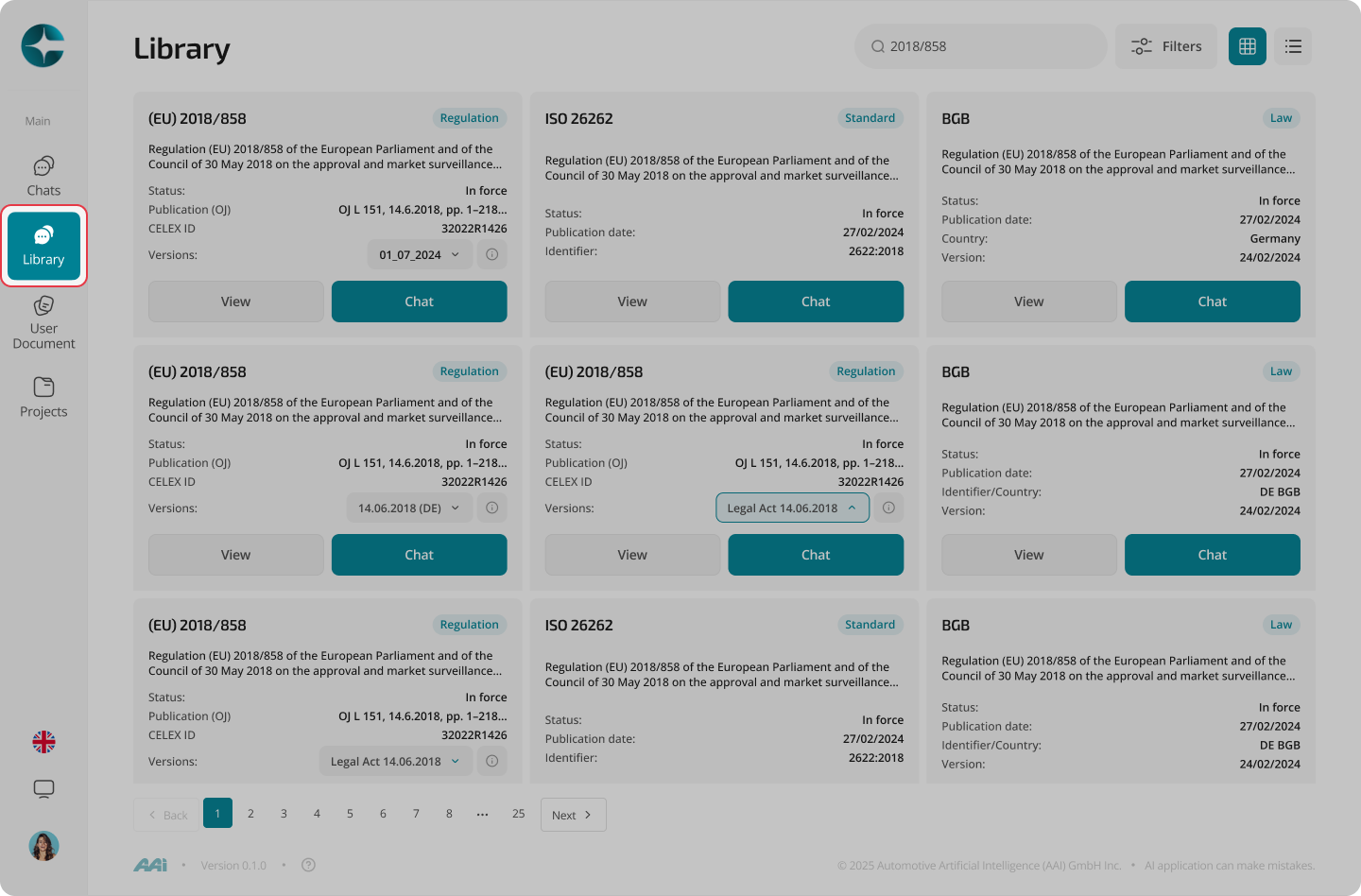
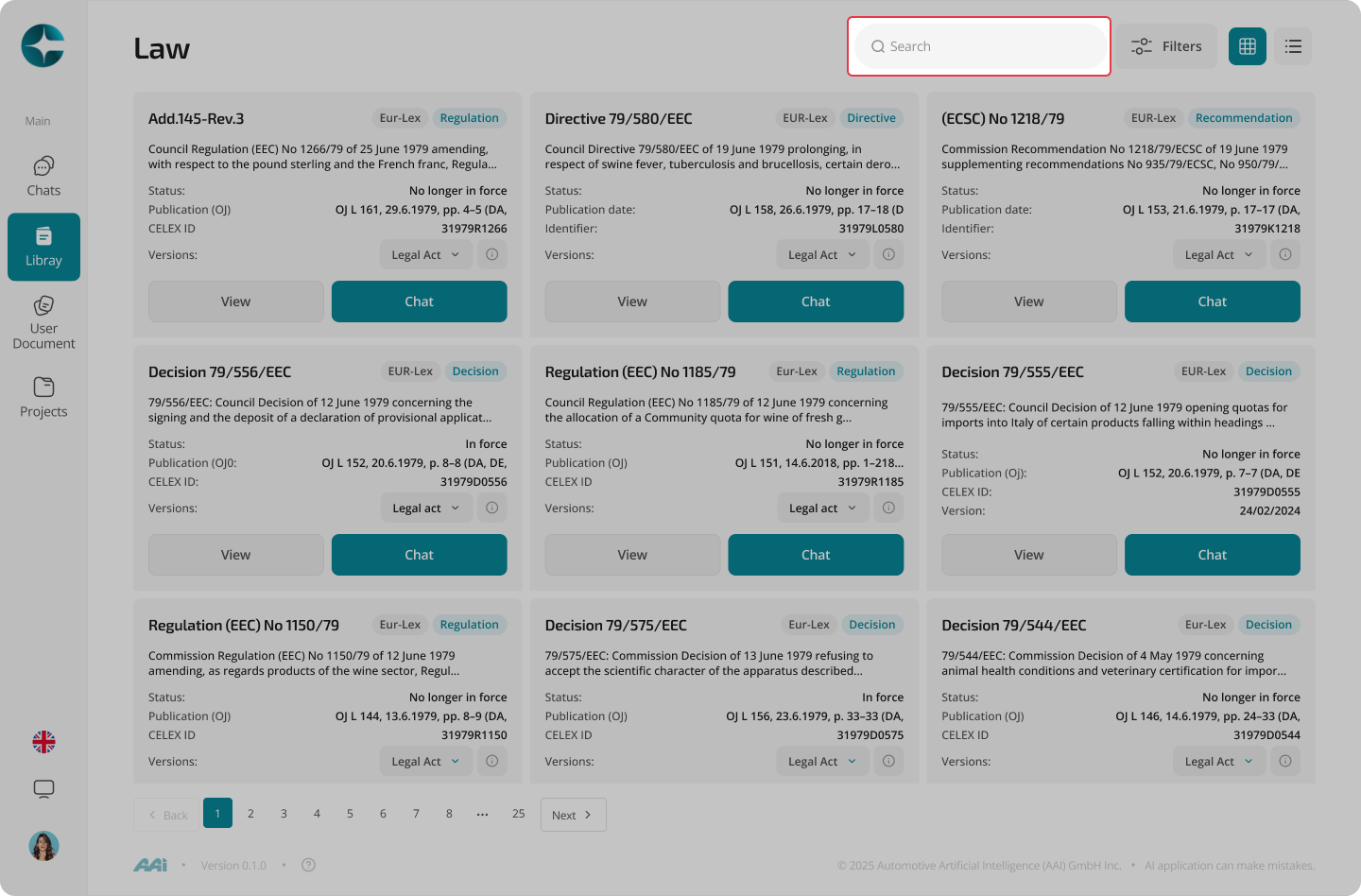
Search for a document
- Use the search bar to enter keywords
(for example: a regulation number, title terms, or a known topic) - Select a result to open the document
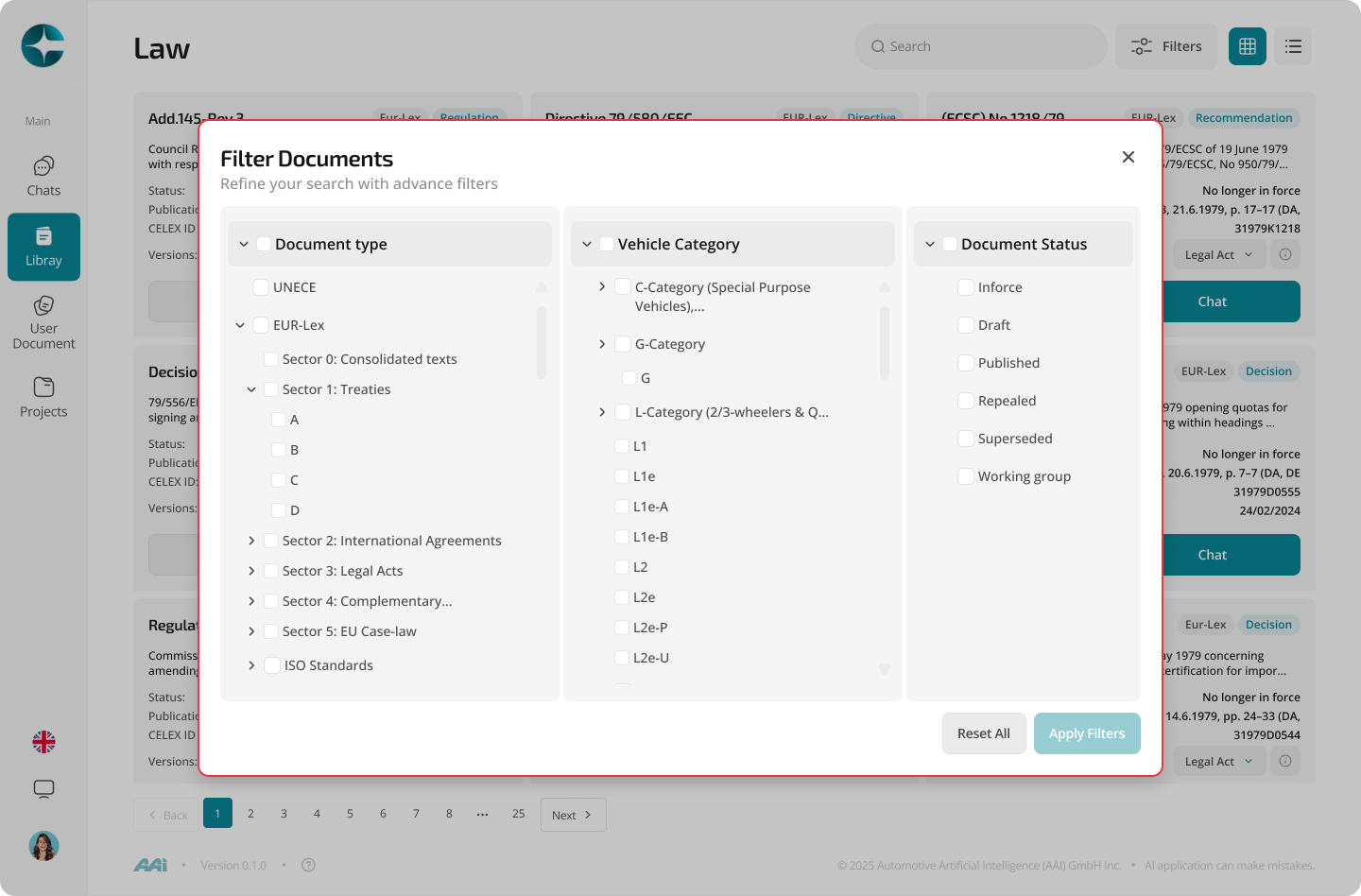
Filter documents
Filters help narrow down large libraries, for example by: - Document family - Source - Type - Availability
- Open the filter panel
- Select one or more filters
- Review the updated results
Tip
If you know the exact document identifier, search by that first.
It is usually the fastest way to reach the correct document.
Open a document
Selecting a document opens its overview, where you can: - Explore the document structure - Review available versions and languages - Follow references - Start a chat with a specific document version
Continue to: Document Overview