Language Preference
CORA allows you to set a preferred language for document display and metadata, where translations are available.
This setting affects content presentation—not the overall UI language.
Change your language preference
- Open your Profile or Settings
- Select your preferred language (for example, English or German)
- Save your changes
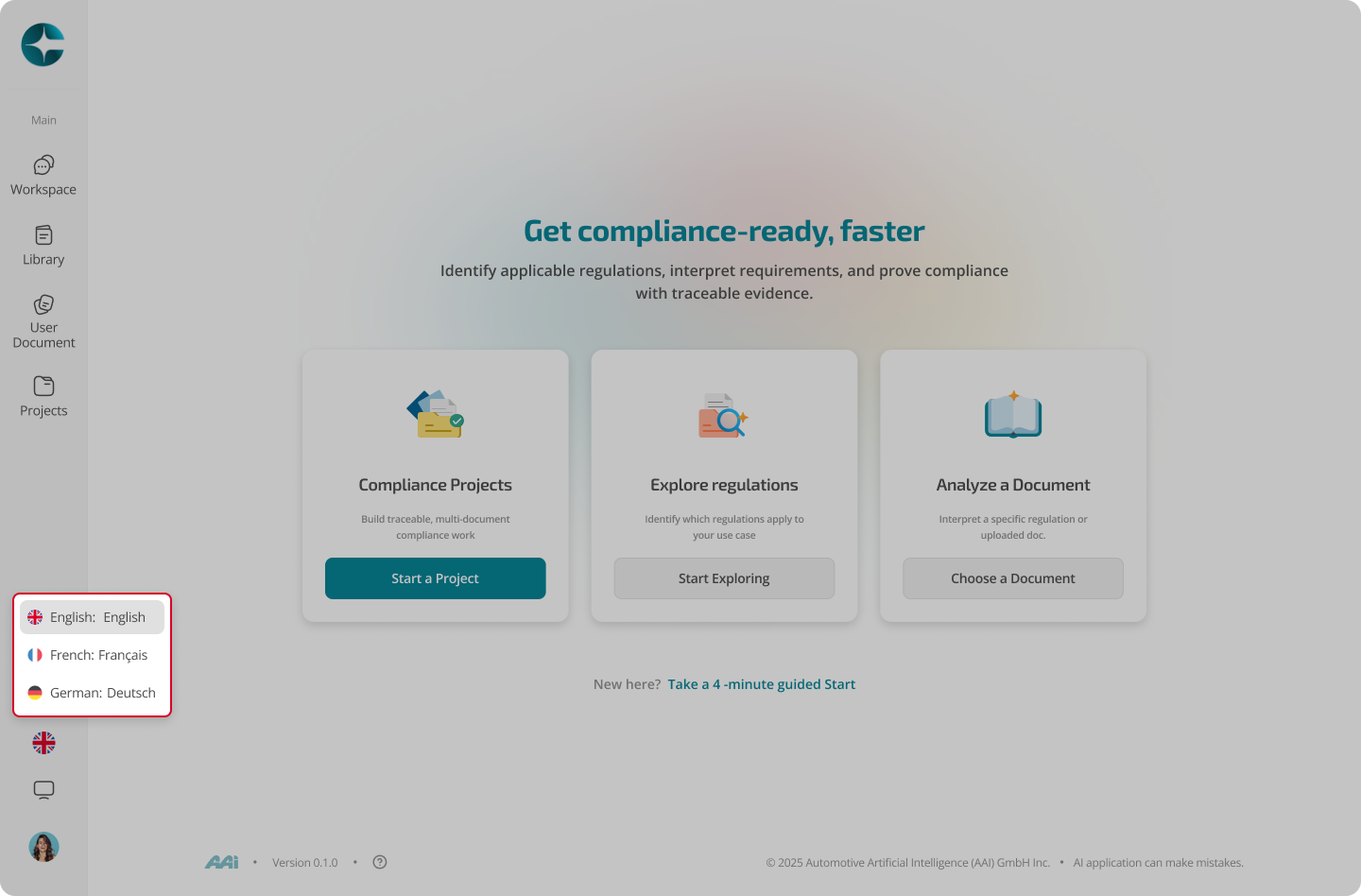
What changes when you switch languages
Depending on availability of translated content, CORA may update:
- Document titles and metadata
- Displayed document text in the Library
- Grounding sources and referenced passages
The underlying document structure and versioning remain unchanged.
What does not change
- The CORA user interface language
- The document version or legal meaning of the content
- Availability of documents that exist only in a single language
Note
If a document is not available in your selected language, CORA automatically falls back to another available language.
Always verify cited source text when working in multilingual contexts.