Create a Project
Projects are structured workspaces that let you define goals, link multiple documents, and work in a shared multi-document context.
Create a new project
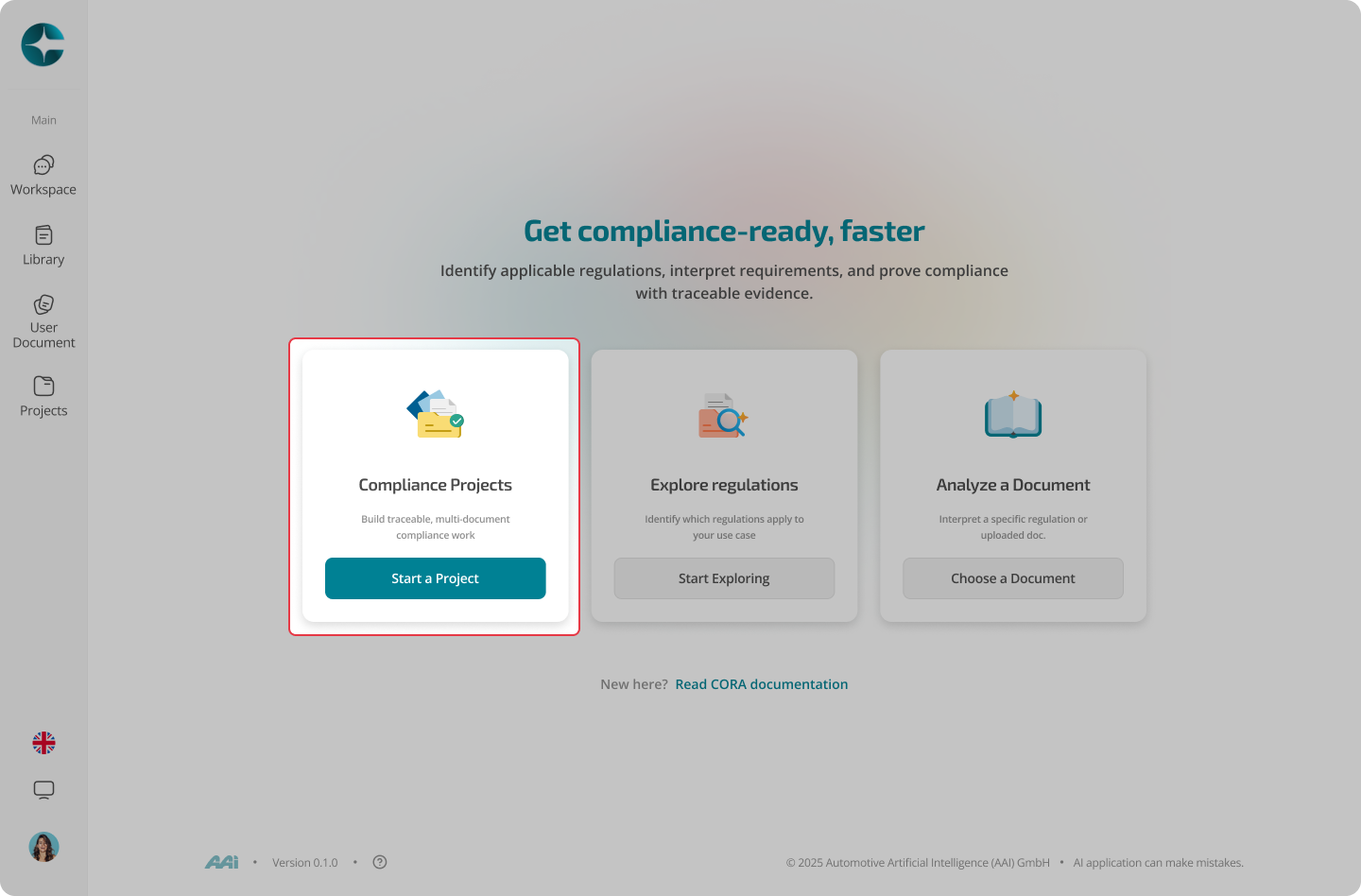
You can create a project from the Projects area or from workspace entry points (depending on your UI).
- Select Projects in the left navigation or from home
- Select Create project
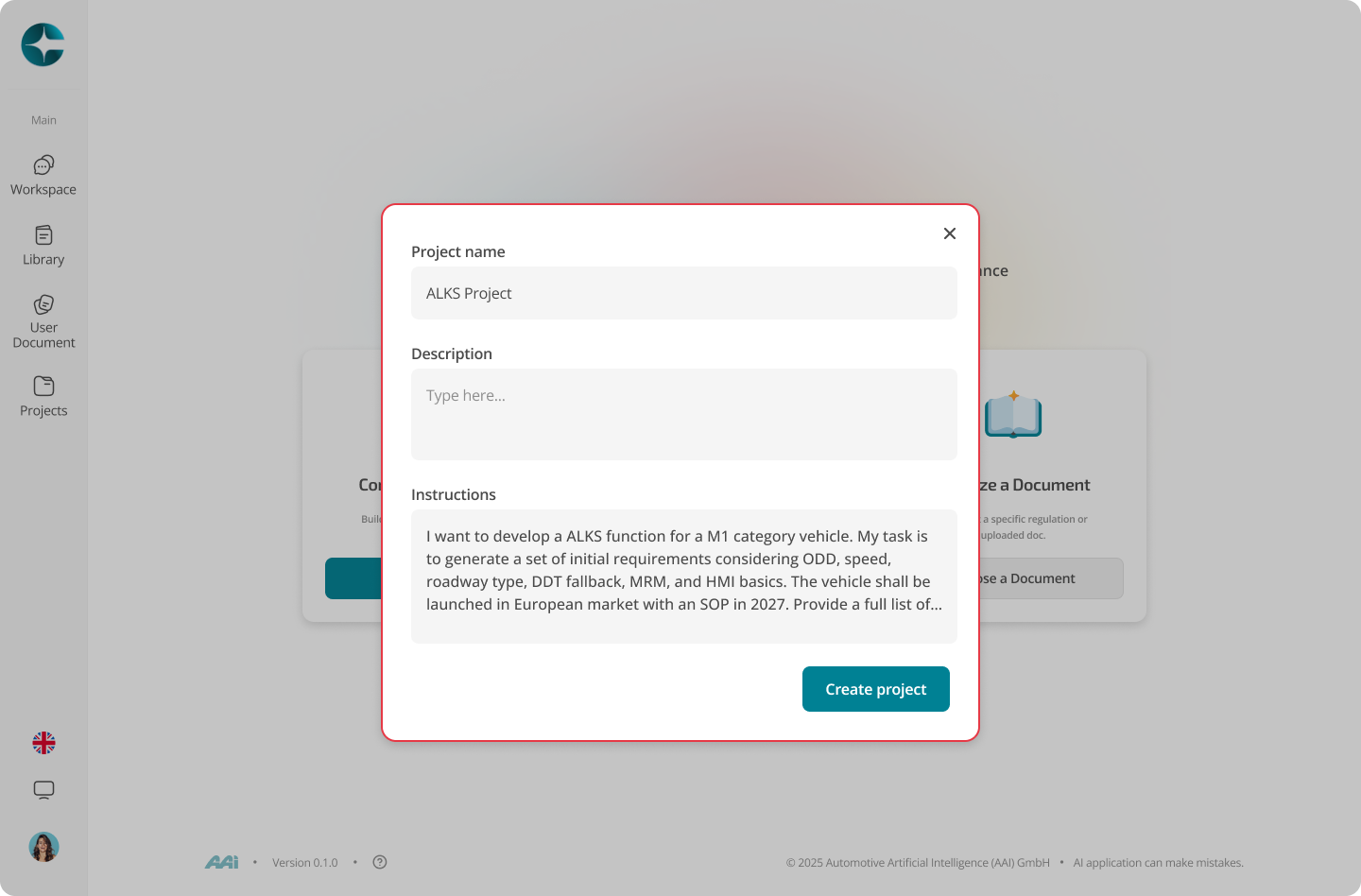
- Enter a project name and description
- Add project instructions (recommended)
- Confirm creation
Project instructions
Project instructions act as persistent guidance for all threads created inside the project.
Use them to define:
- The goal (what you are trying to produce)
- Scope boundaries (what is in / out)
- Definitions and assumptions
- Output expectations
These instructions are automatically applied to project-context threads.
Tip
Treat project instructions like a shared brief. Clear instructions lead to consistent, traceable outputs.
Next: Link Documents