Chat with a Version
Starting a chat from a Library document version opens an Interpret-mode thread. All answers remain grounded in the selected version.
Start a version-anchored chat
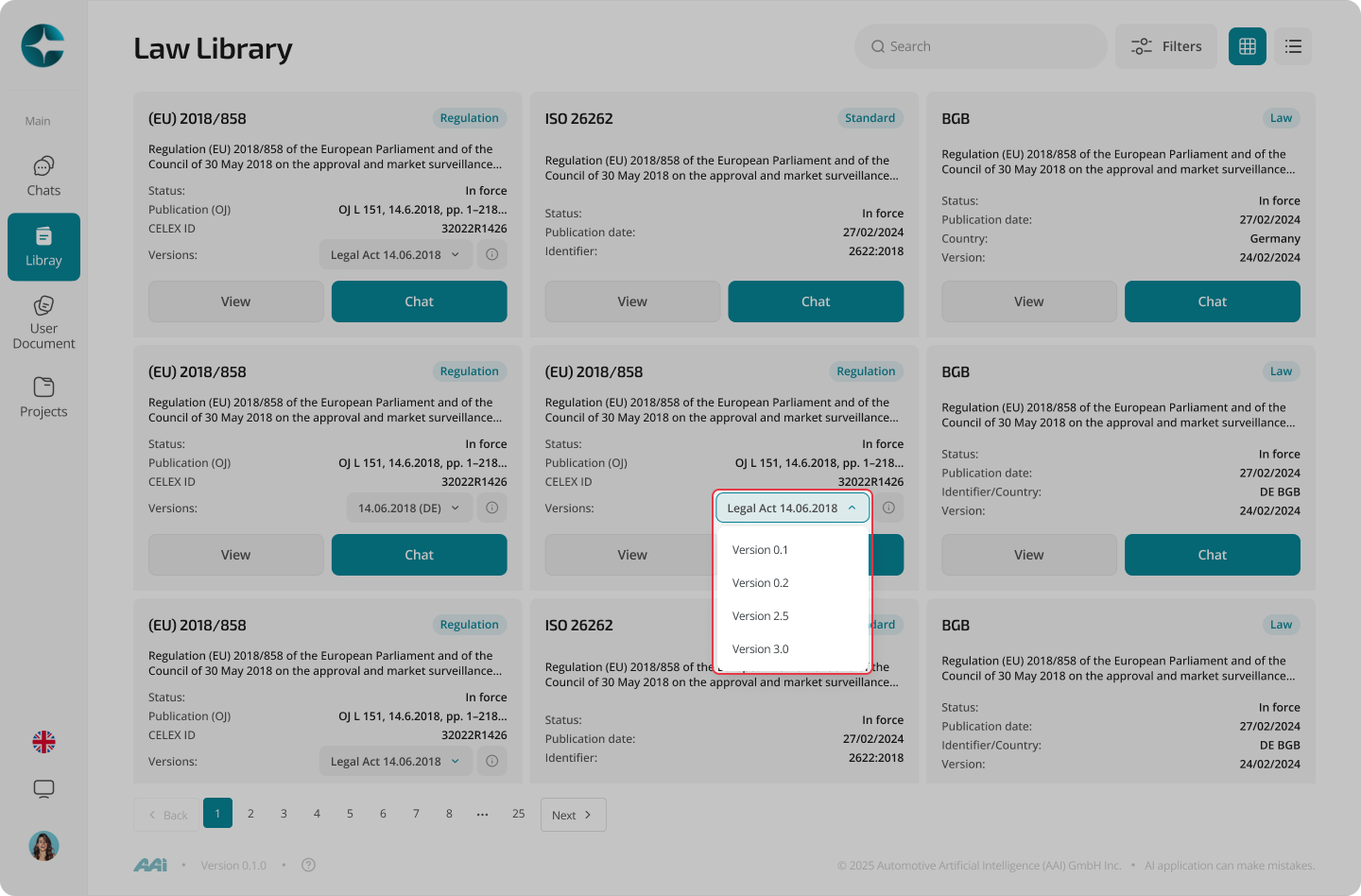
- Open Library
- Select a document
- Select the version you want to work with
- Select Chat (or the equivalent action)
What to expect in Interpret mode
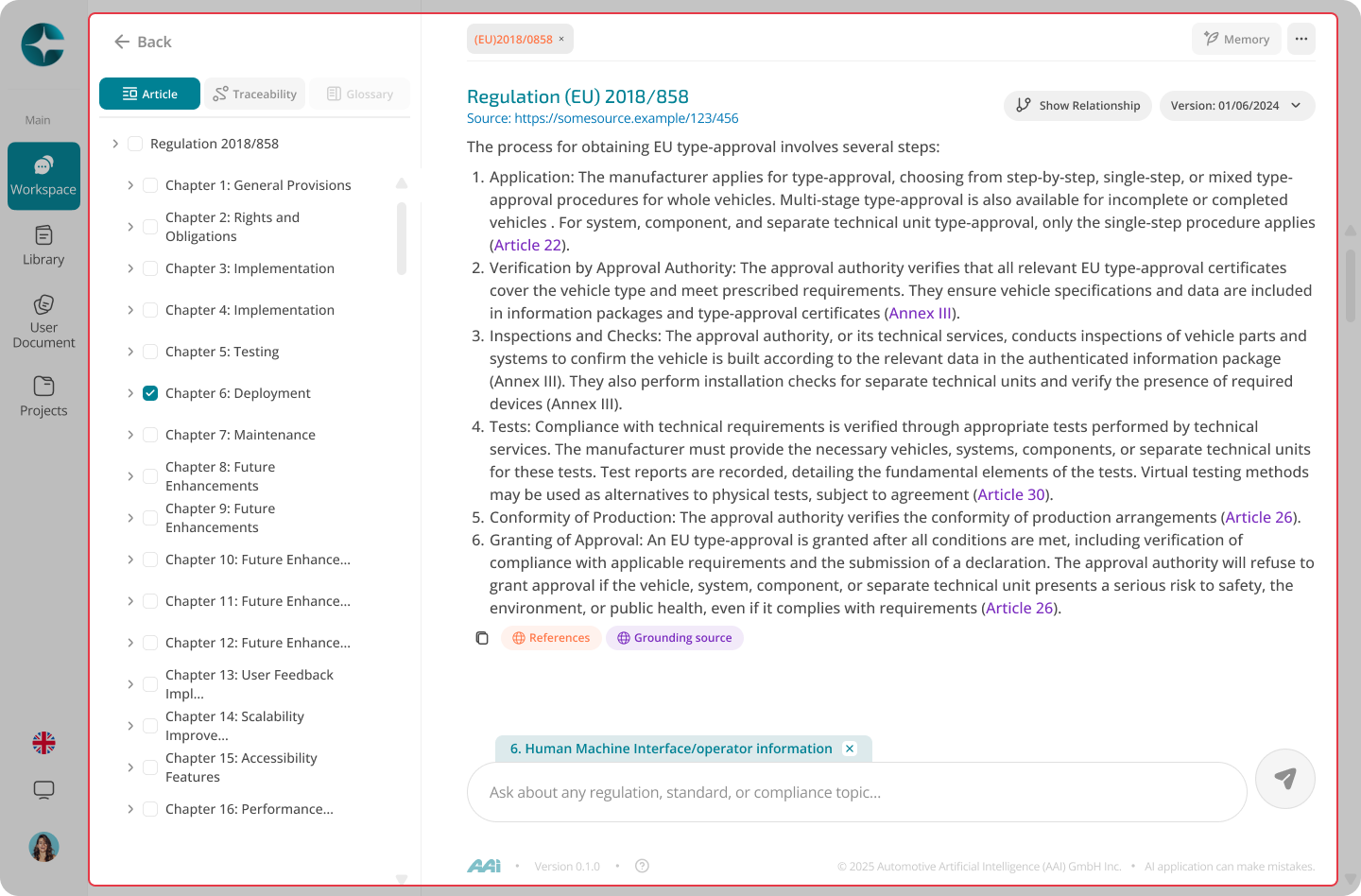
In a version-anchored thread you will typically see:
- Inline citations to specific clauses or articles
- A document structure panel (chapters, articles, annexes)
- Grounding sources showing which parts of the document supported the answer
Opening additional versions or references
While working inside a document version:
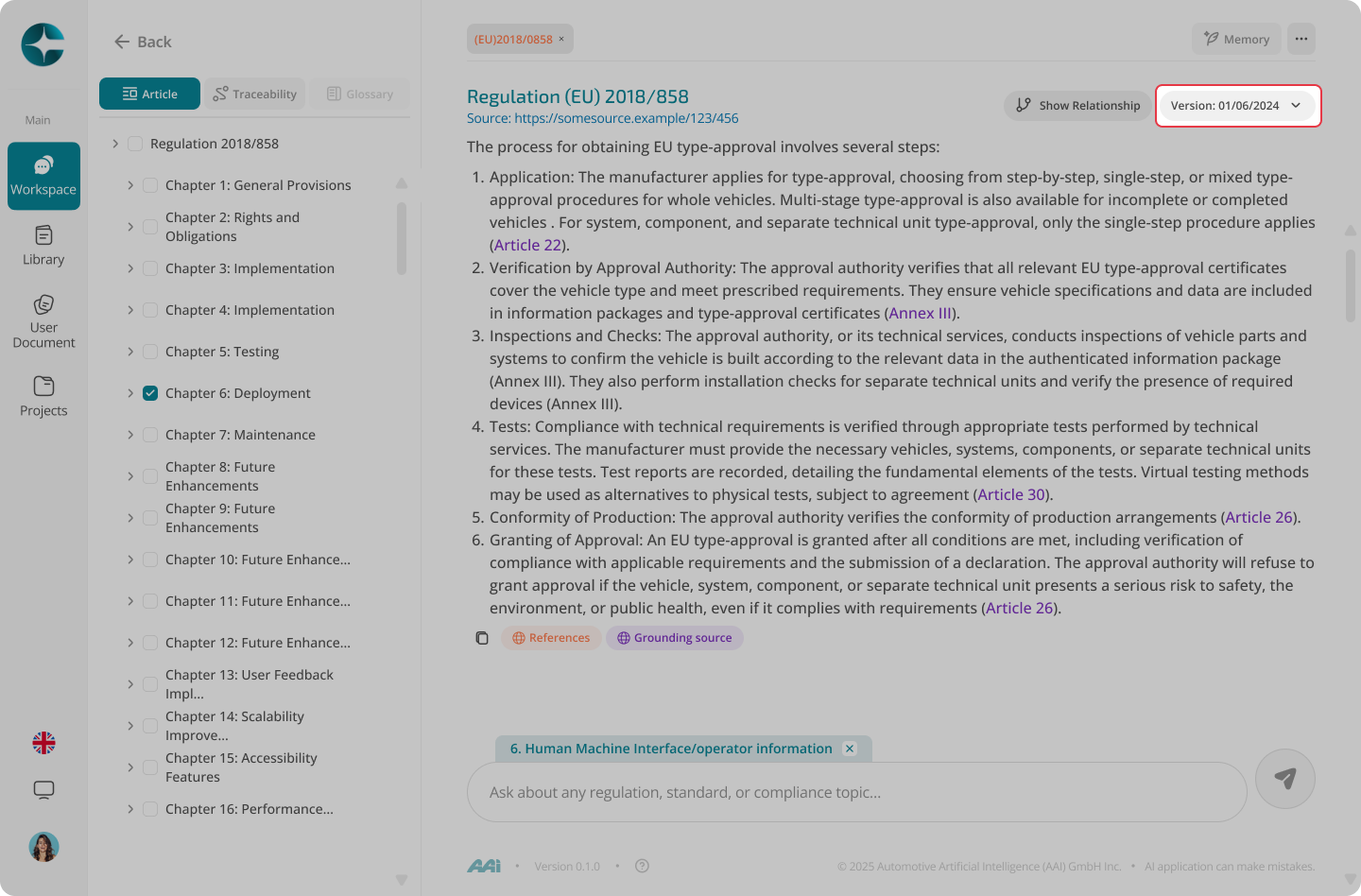
- You can select another version of the same document
- You can open referenced documents or versions from citations
These open in sub-tabs, allowing you to: - Compare content without losing your current thread - Start a new Interpret-mode chat from the newly opened version if needed
Best practices
- Keep questions precise and scoped to the selected document
- Open citations to confirm exact clause language
- When you need to reason across multiple sources, use a Project and link documents
Learn About Interpret Mode: Interpret Mode