Project Modes
Inside a project, CORA supports different working modes depending on whether you are executing within scope or discovering additional sources.
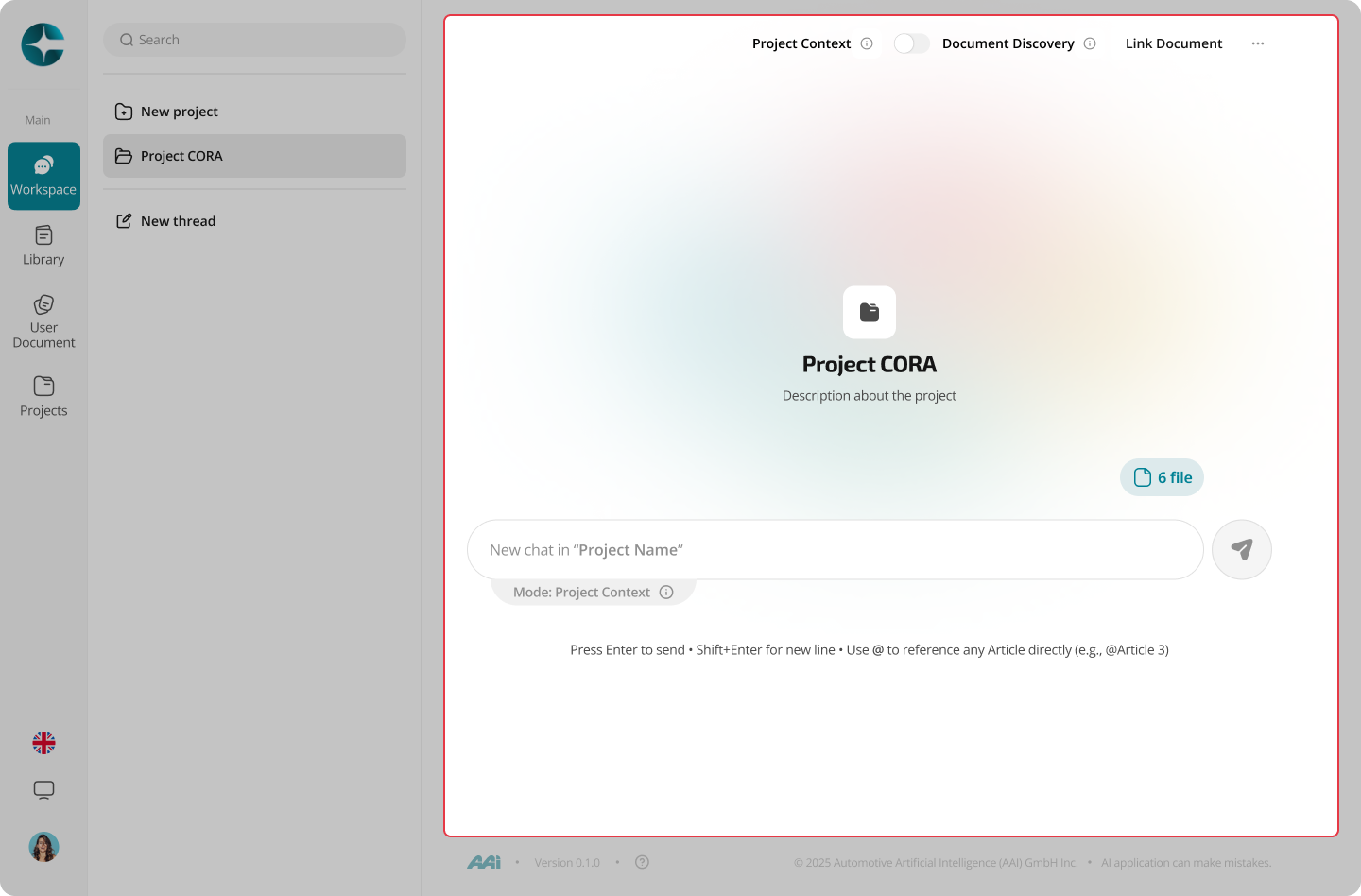
Project Context mode
By default, new threads created inside a project run in Project Context mode.
In this mode:
- Answers can reference all linked documents together
- Citations and grounding reflect the current project scope
- Reasoning remains confined to the project’s defined documents
Explore mode inside a project
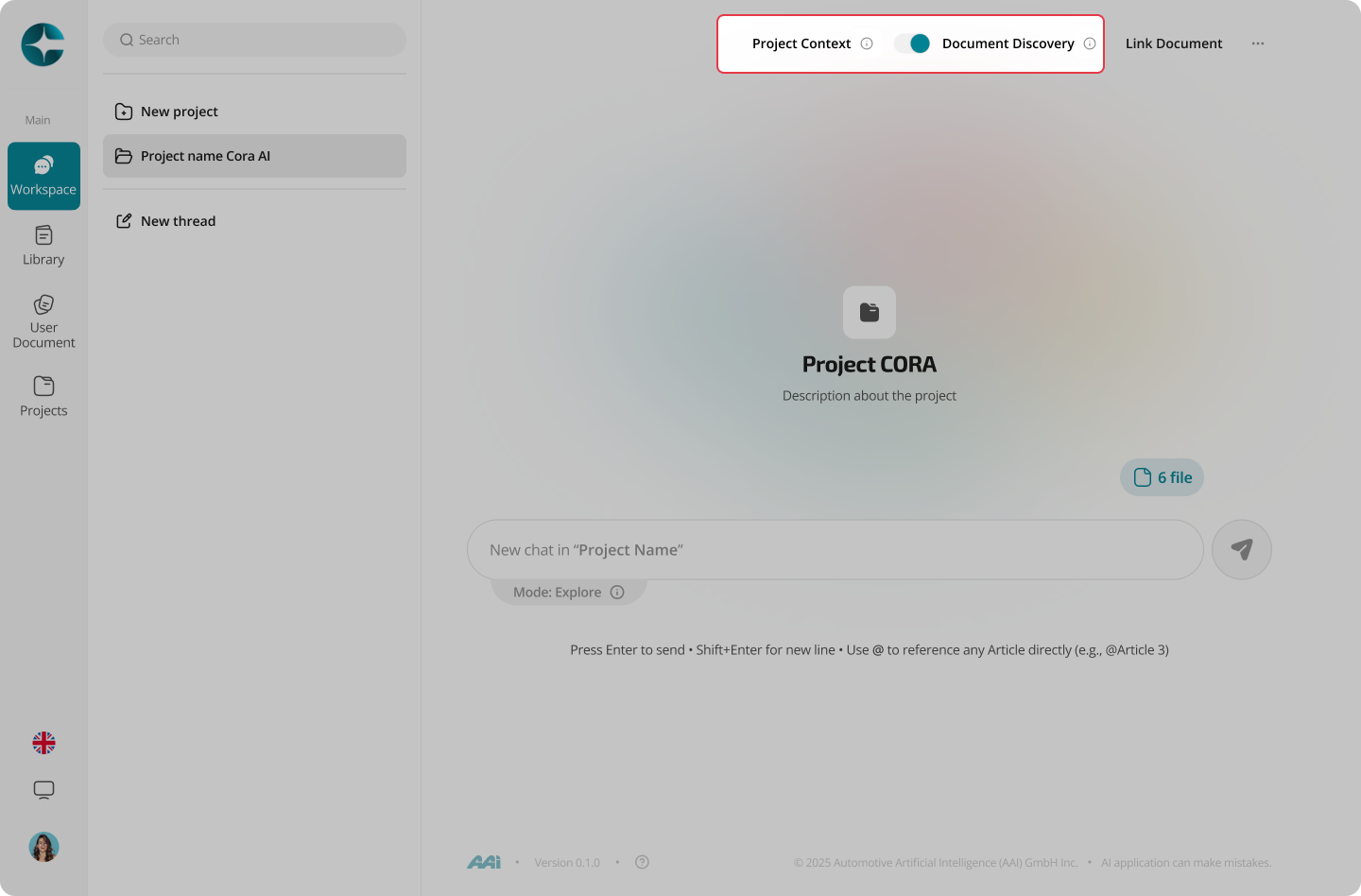
Projects can also run Explore mode for discovery.
This is useful when:
- You need to identify additional regulations or standards
- You are unsure whether a document should be part of the project scope
To switch modes:
- Open the mode toggle (if available)
- Select Explore
- Start a new chat
Tip
Use Explore mode to expand scope, then return to Project Context mode to consolidate and produce traceable outputs.
Next: Notes