Document Overview
Each Library document provides a structured overview so you can quickly understand what it contains, how it relates to other documents, and which versions are available.
What you can do from the overview
From a document overview, you can:
- Review the document structure (chapters, articles, annexes)
- Explore references and relationships to other documents
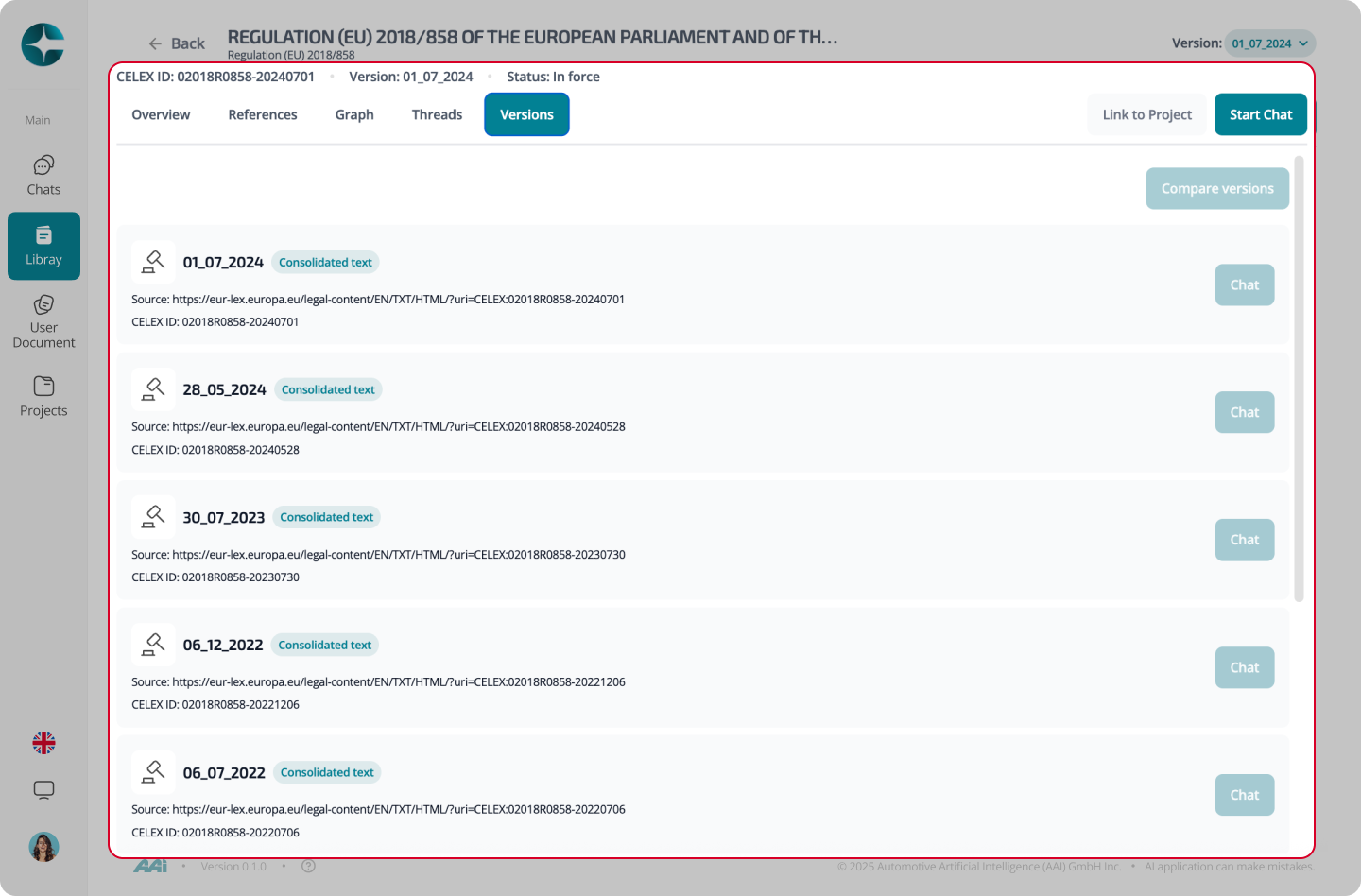
- Inspect available versions and languages
- Start a chat anchored to a specific version (Interpret mode)
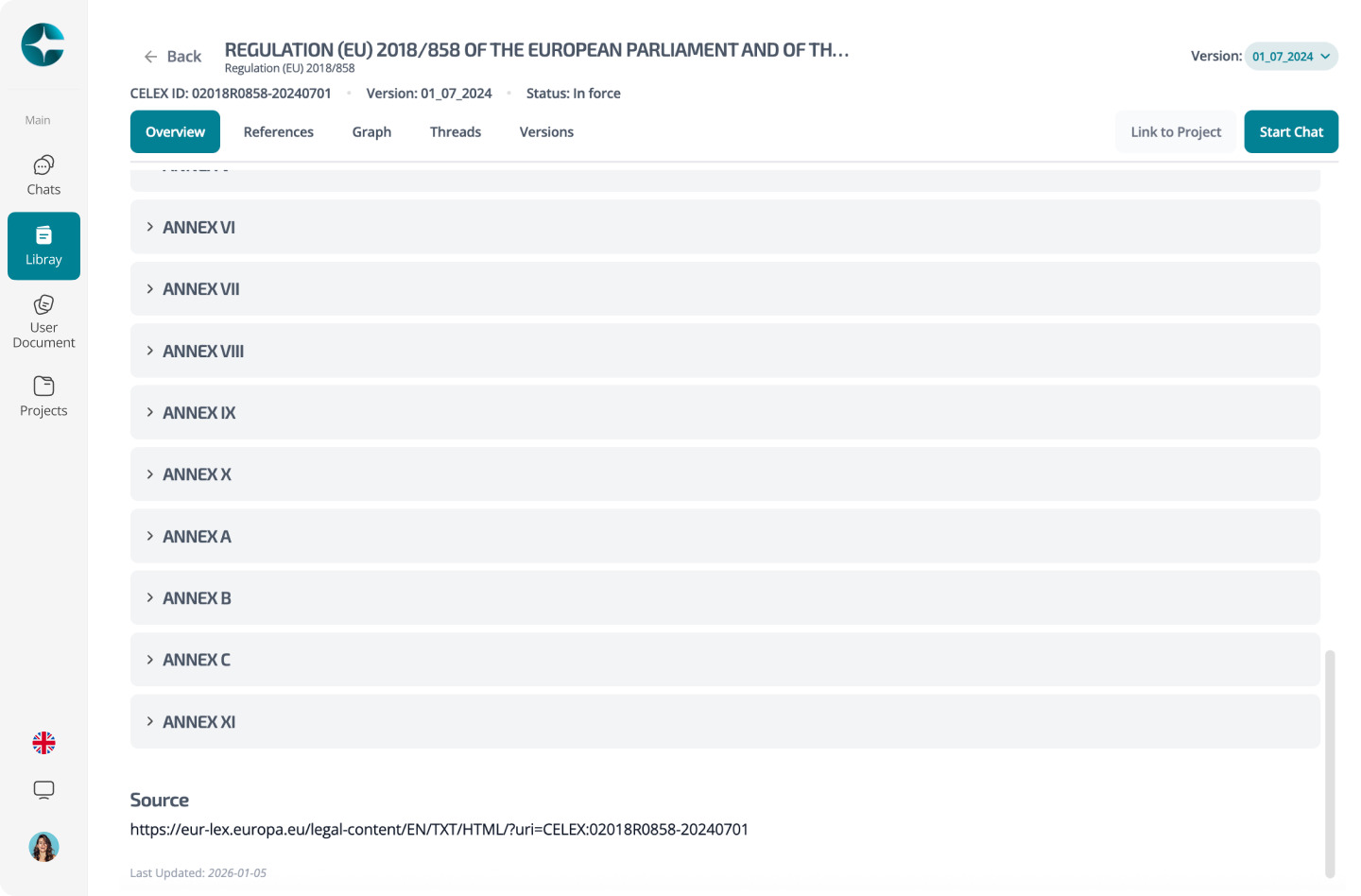
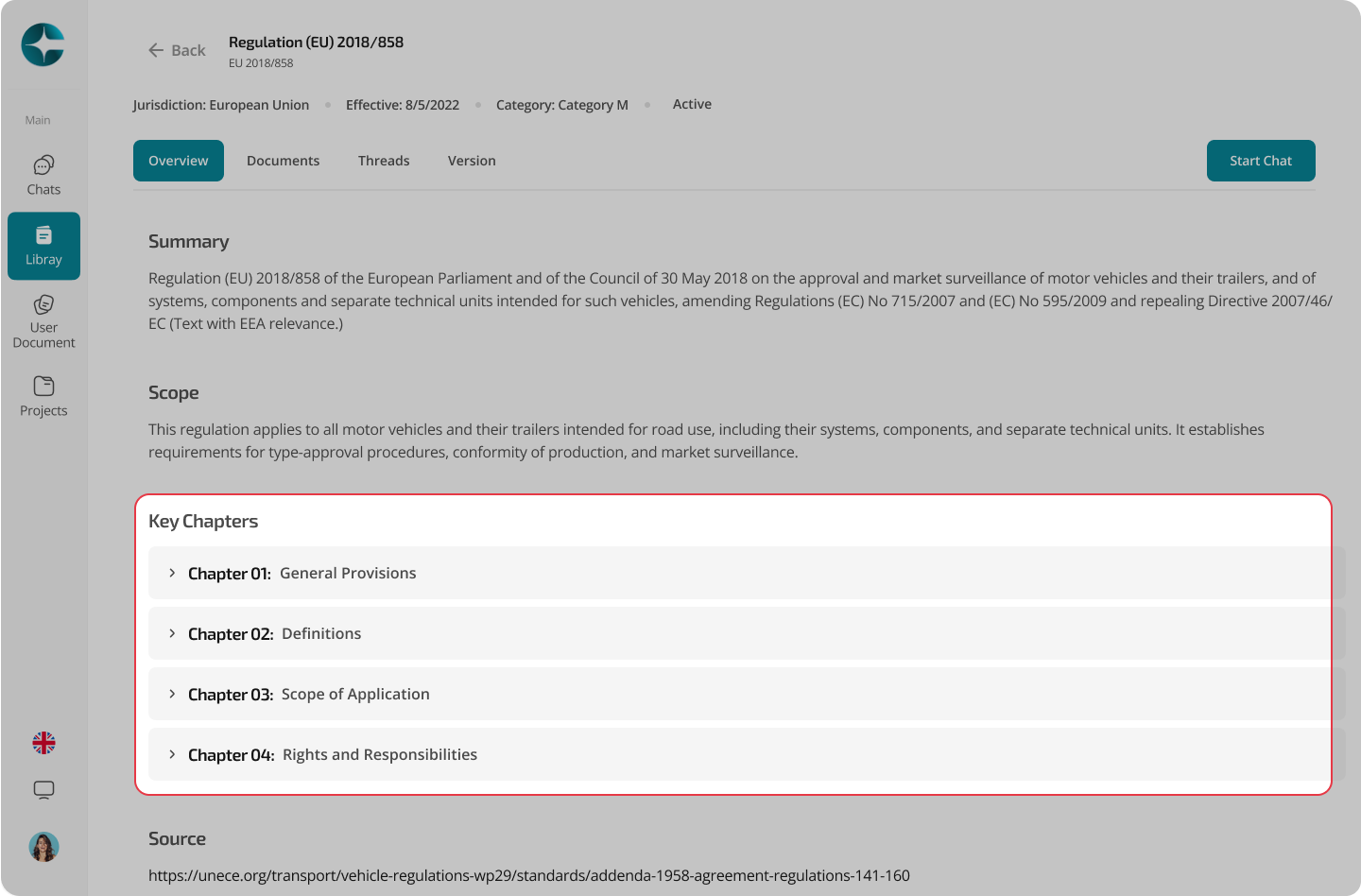
Key sections on the overview
Structure and chapters
Use the structure view to navigate the document and jump directly to major sections.
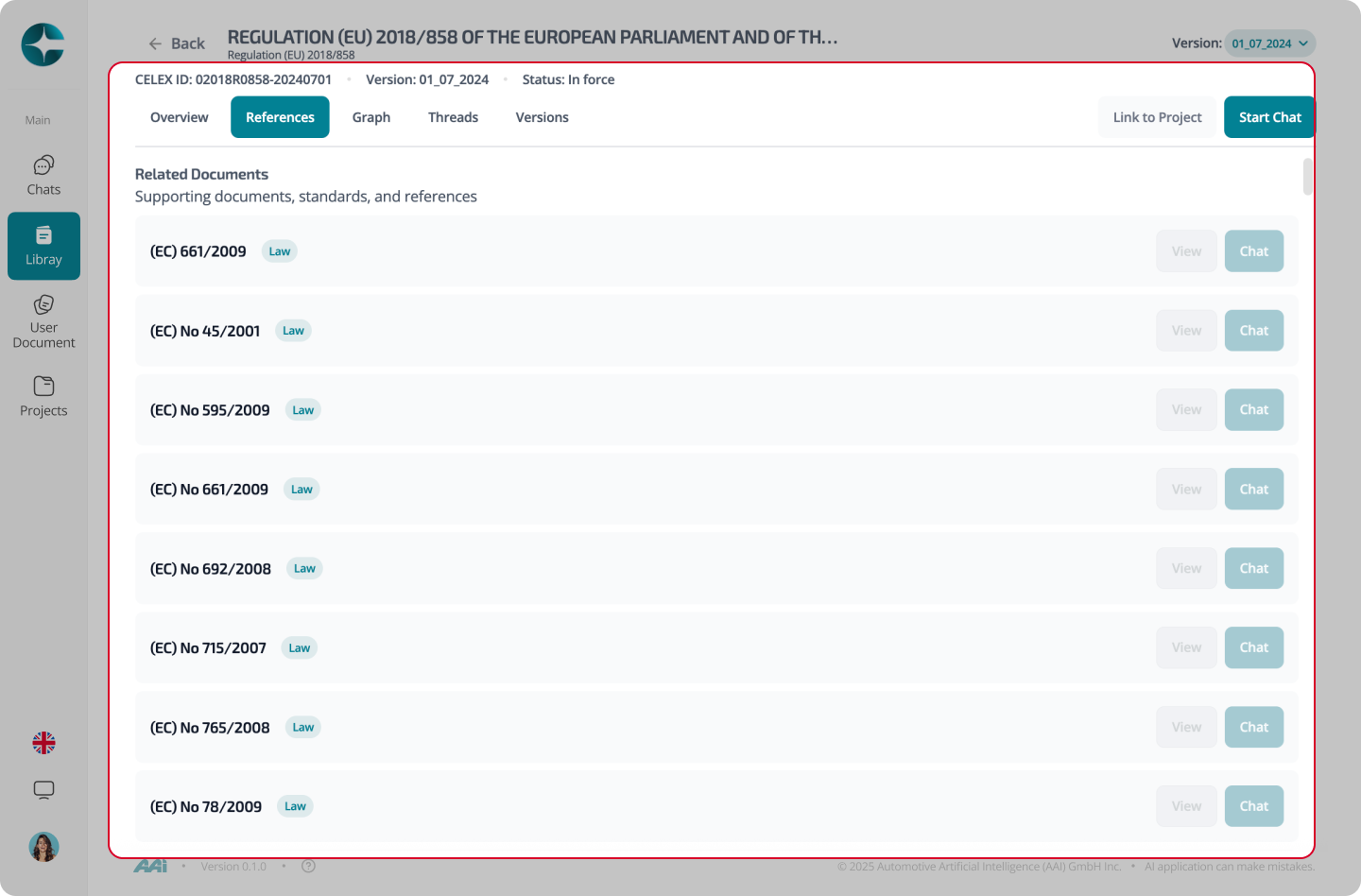
References
References show where this document points to other regulations or standards.
This is useful for following regulatory dependencies and understanding how documents interact.
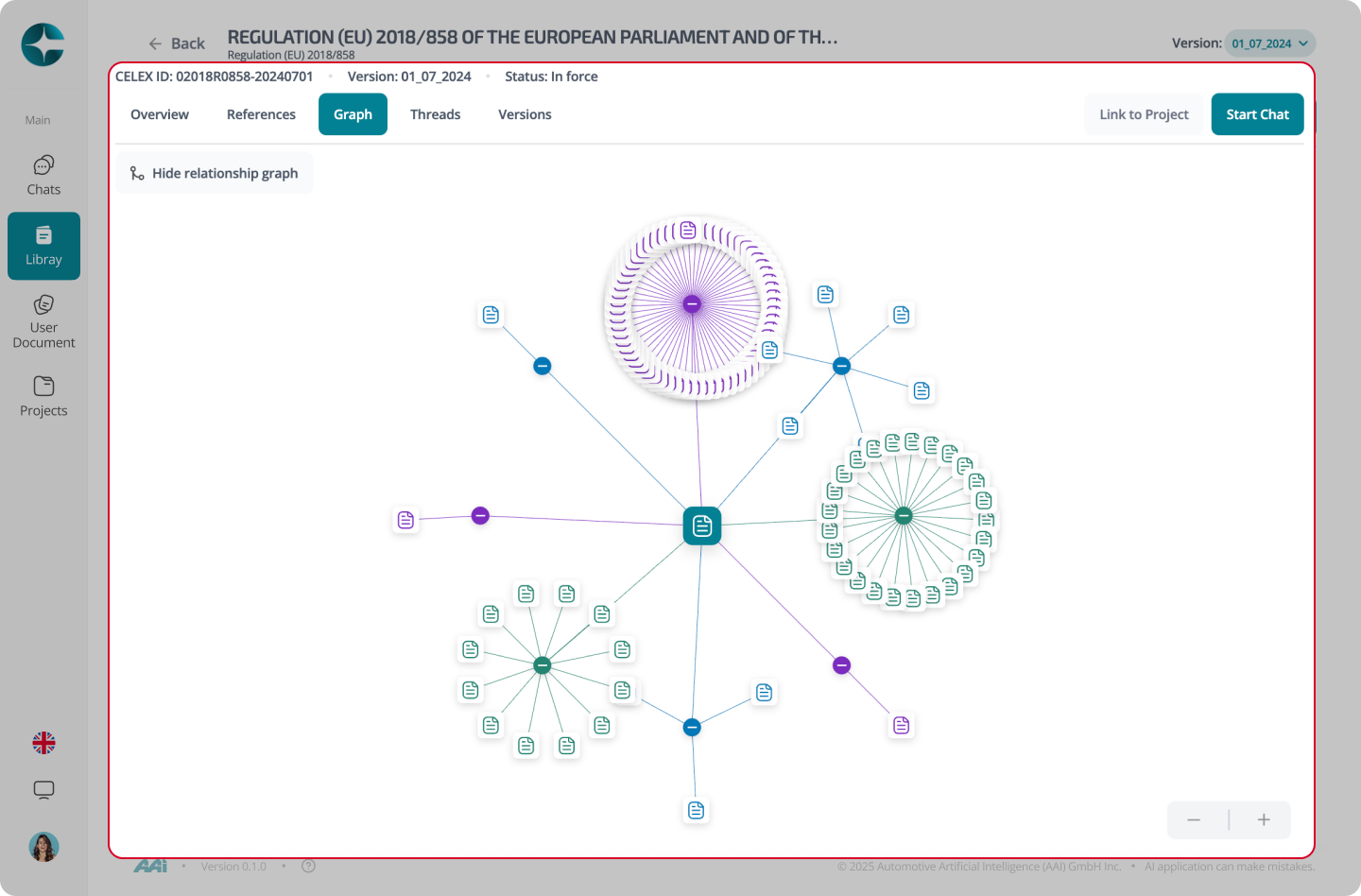
Relationship graph
The relationship graph visualizes connections such as amendments or related instruments (where available).
Versions and languages
Documents may be available in multiple versions and languages.
CORA allows you to select the version you want to work with before starting a chat.
Note
If you need version-locked answers, always start your chat from a specific document version.
Continue to: Chat with a Version